
Repair Information & Resources
Compare repair methods, replacement parts, repair costs, and troubleshooting information before deciding whether to repair or replace your tablet.

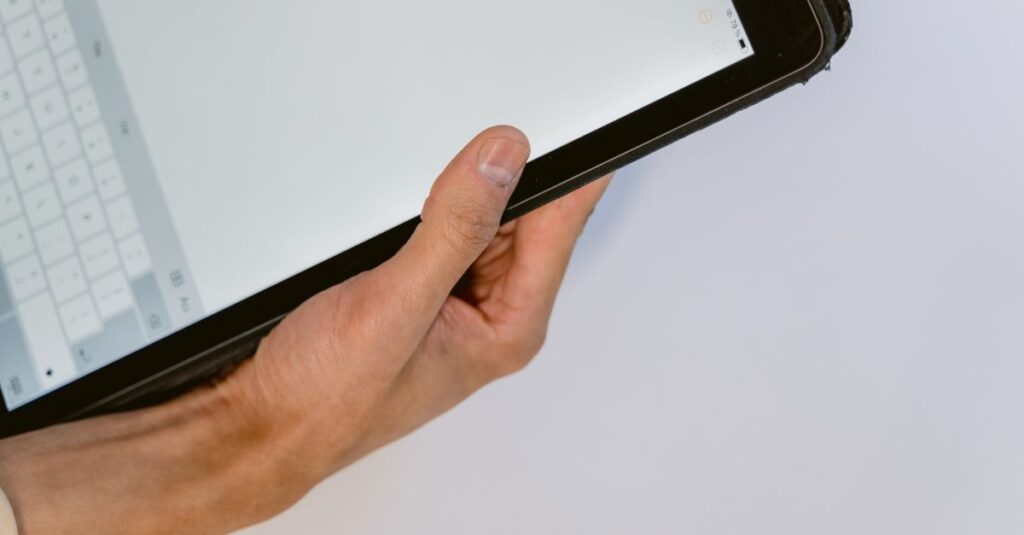
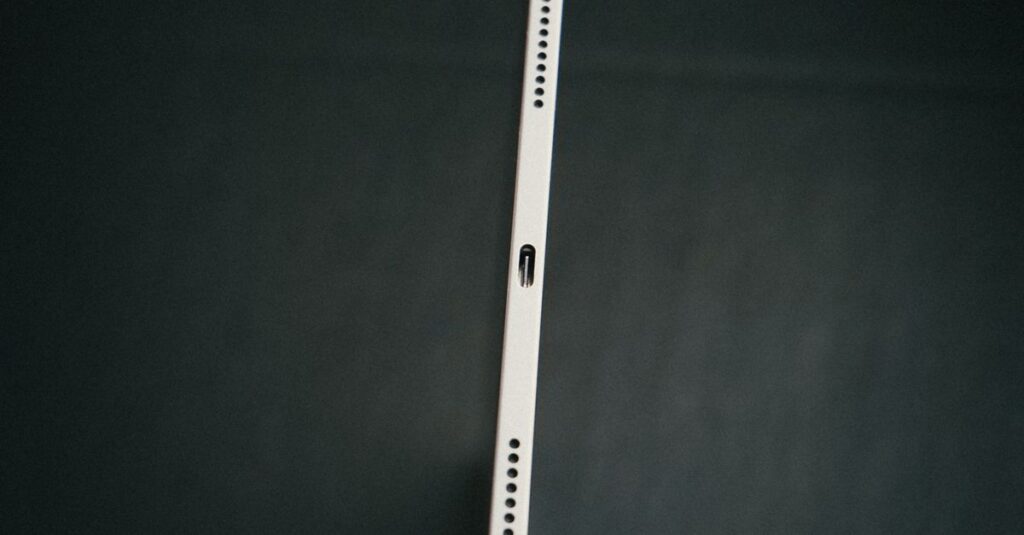
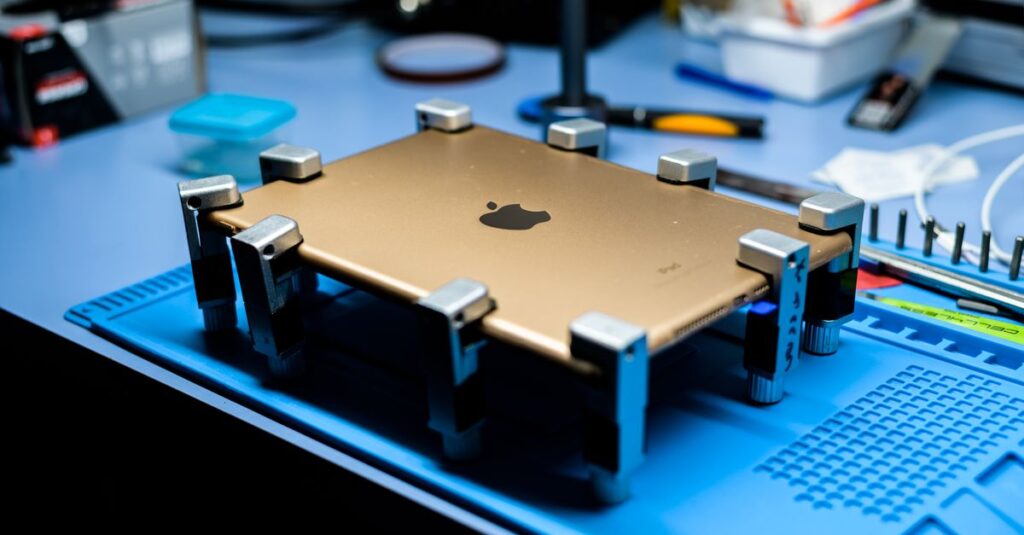
Timely tablet repairs help extend device lifespan, improve performance, reduce replacement costs, and protect important files, photos, and work documents.
Practical tablet repair information covering diagnostics, common hardware failures, repair options, replacement parts, maintenance tips, and repair cost considerations.
Screen replacement, battery replacement, charging port repair, camera repair, and button repairs are among the most common tablet repairs.
Many tablet repairs cost significantly less than replacing the device, especially for newer models.
Most standard repairs can be completed within a few hours, while complex internal repairs may take longer.
Yes. In many cases, damaged screens can be replaced, depending on the tablet model and the extent of the damage.
Charging problems may be caused by damaged charging ports, worn charging cables, battery issues, or internal hardware faults.
Use a protective case, avoid extreme temperatures, replace aging batteries when necessary, keep software updated, and repair damaged components promptly.