Troubleshooting

Troubleshooting guides for identifying common repair problems, diagnosing possible causes, testing components, and determining the next steps before repairing or replacing equipment.

Popular Troubleshooting Topics

Troubleshooting guides covering problem identification, symptom analysis, diagnostic testing, common faults, repair decisions, and system verification.
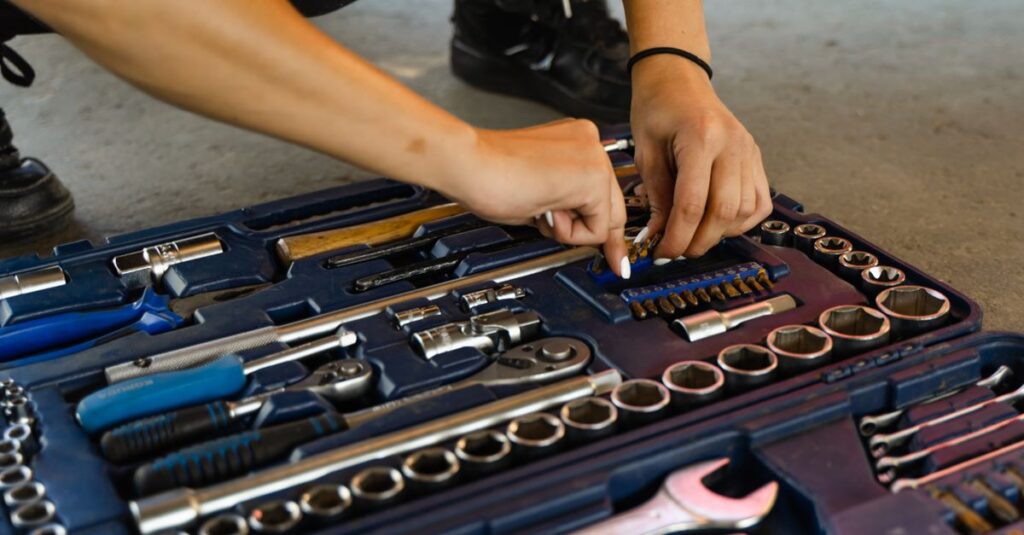
Hands selecting a tool from a versatile, well-organized toolbox for repair tasks.
Problem Identification
Identify common symptoms, warning signs, and visible issues before beginning the troubleshooting process.
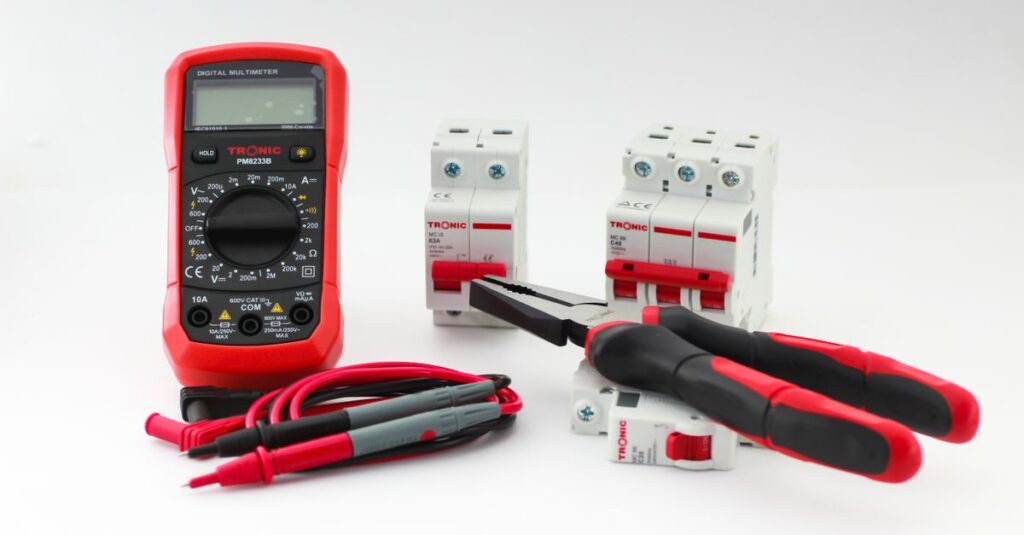
Close-up of a digital multimeter with electrical tools and circuit breakers on a white background.
Diagnostic Testing
Use testing methods and diagnostic equipment to identify the source of repair problems accurately.
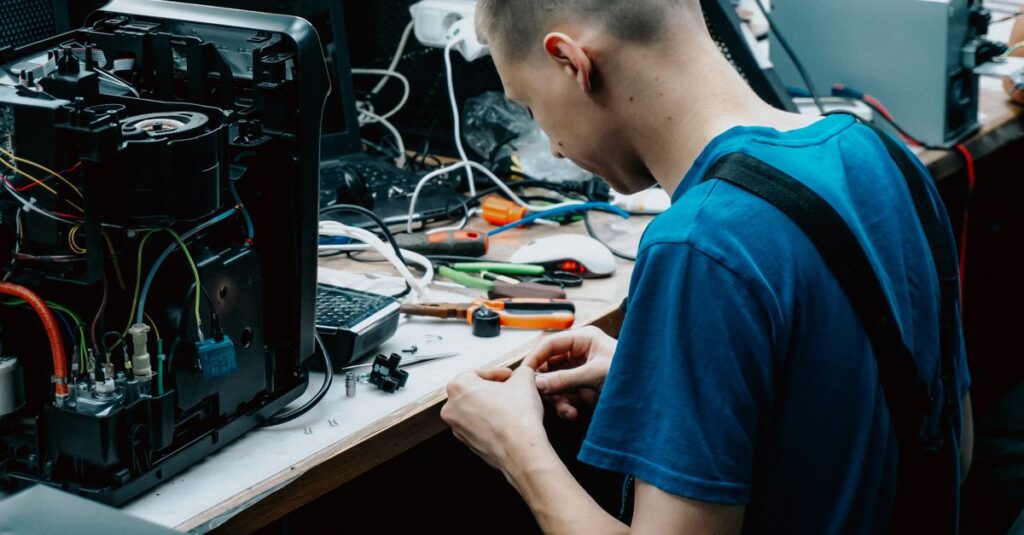
Skilled technician seated at a workbench repairing electronic devices in a workshop setting.
Common Faults
Review frequently reported failures affecting appliances, electronics, home systems, and repair equipment.
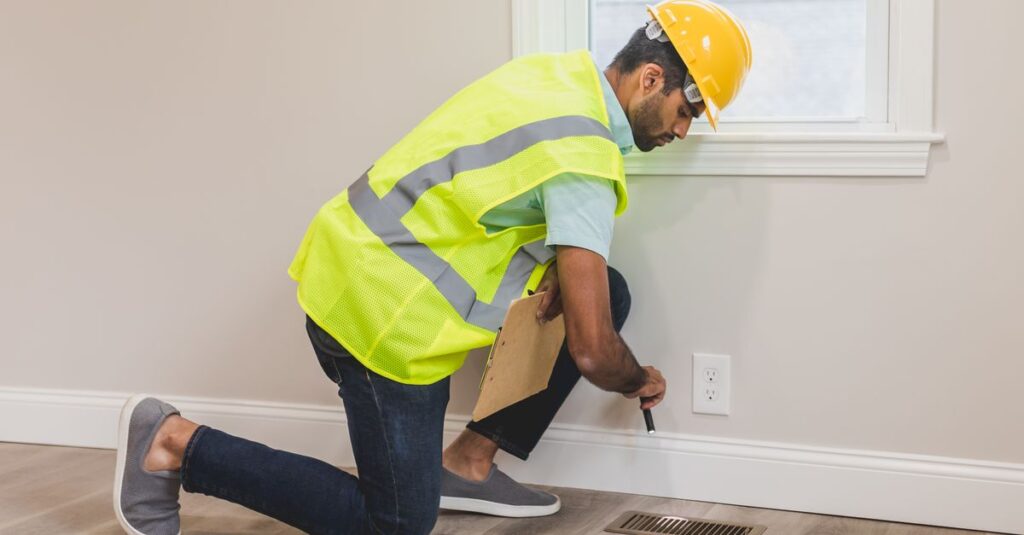
Construction worker conducting a home inspection indoors, using tools near a vent.
Possible Causes
Compare potential causes including component failure, electrical issues, software problems, and improper operation.
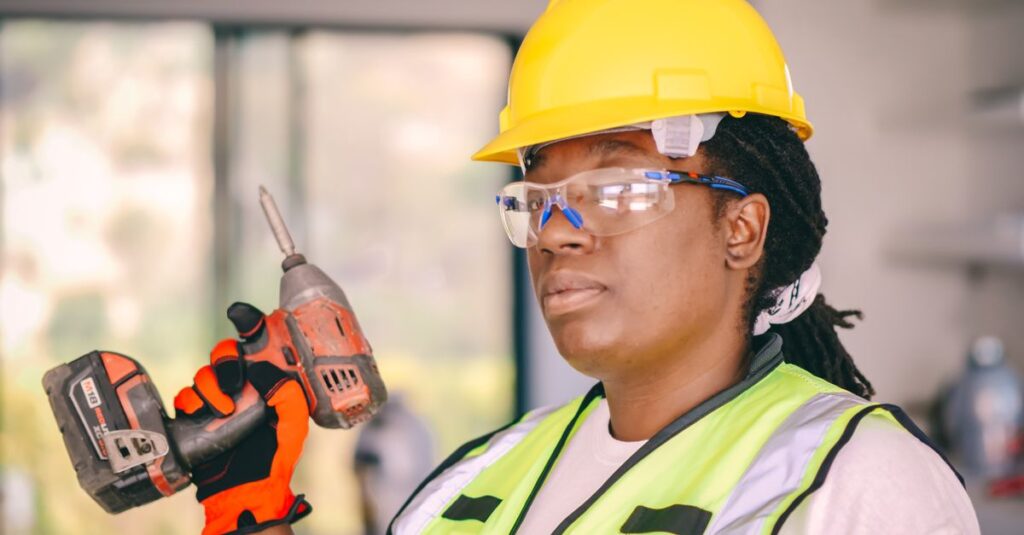
Confident female construction worker wearing safety gear and holding a drill indoors.
Repair or Replace
Determine whether troubleshooting results support repairing the equipment or replacing damaged components.
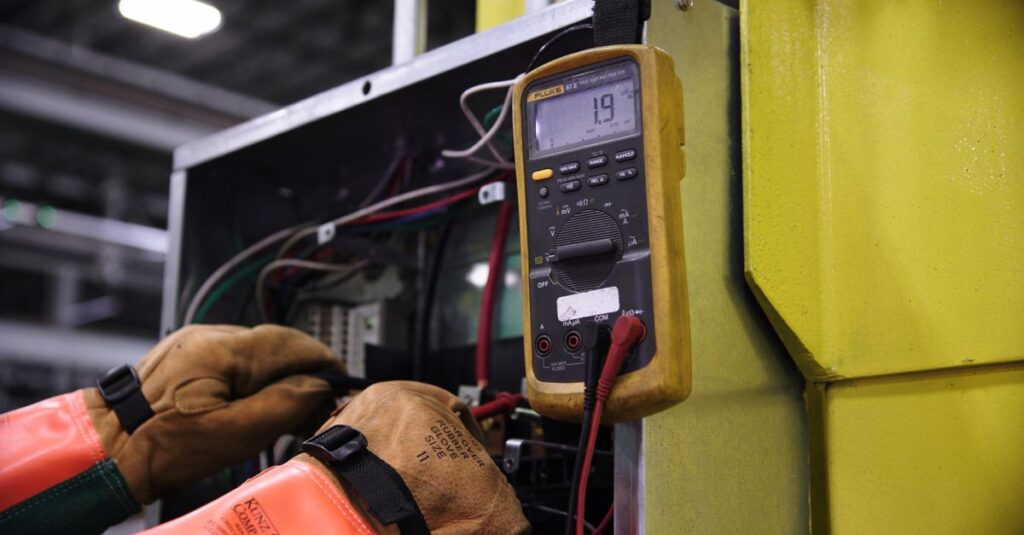
Electrician using a multimeter to fix industrial control panel wiring.
Final Verification
Confirm the problem has been resolved through testing, inspection, and normal equipment operation.

Troubleshooting Best Practices

A structured troubleshooting process helps identify problems accurately, reduces unnecessary repairs, and improves repair efficiency.

  • Identify symptoms before disassembly
  • Verify the reported problem
  • Test one possible cause at a time
  • Use appropriate diagnostic tools
  • Record troubleshooting results
  • Check replacement part compatibility
  • Verify repairs with functional testing
  • Document completed diagnostics

Common Troubleshooting Mistakes

Incorrect troubleshooting often results in unnecessary repairs, wasted time, higher costs, and replacing components that are not faulty.

  • Guessing instead of testing
  • Skipping basic inspections
  • Replacing parts too early
  • Ignoring error codes
  • Testing multiple variables at once
  • Using incorrect diagnostic tools
  • Overlooking simple causes
  • Failing to verify the repair

Troubleshooting Resources

Troubleshooting guides help identify repair problems, determine possible causes, reduce unnecessary replacement parts, and improve repair accuracy before repairs begin.
F.A.Q.

Begin by observing the symptoms, checking for visible damage, reviewing error messages, and performing basic diagnostic tests to narrow down the possible causes.
Verify that the suspected component has actually failed by inspecting connections, testing related parts, reviewing error codes, and confirming compatibility before replacing it.
Disconnect power whenever possible, use insulated tools, wear appropriate protective equipment, and follow manufacturer safety recommendations before performing any electrical testing.
Common troubleshooting tools include multimeters, voltage testers, thermal cameras, continuity testers, scan tools, and diagnostic software, depending on the equipment being inspected.
Diagnostic testing helps identify the actual source of a problem, prevents unnecessary part replacements, reduces repair time, and improves repair accuracy.
Common mistakes include guessing instead of testing, replacing parts too early, overlooking simple causes, ignoring error codes, and failing to verify repair results.
A failed component may show physical damage, abnormal readings during testing, poor performance, unusual sounds, overheating, or failure to operate within normal specifications.
Professional assistance is recommended when troubleshooting involves high-voltage systems, gas equipment, structural components, specialized diagnostic equipment, or when the cause cannot be safely identified.
Yes. Accurate troubleshooting identifies the real cause of the problem, prevents unnecessary repairs, reduces wasted replacement parts, and improves repair efficiency.
After completing the repair, perform functional testing, inspect all repaired components, confirm that warning indicators have cleared, and verify that the equipment operates normally under expected conditions.

Related Articles

No posts found.